
Why interests matter
Wayfield lists hands-on workshops across a lot of crafts — photography, ceramics, cooking, printmaking, outdoor skills, and more. Telling it which of those you care about changes two things: what shows up first when you browse, and what lands in your email digest. Everything stays browsable; your interests just decide the order.
Setting your interests
When you first create an account, the welcome flow asks what you’re interested in and roughly where you are. Pick the crafts that actually pull at you — you can choose several. That’s it; there’s nothing else to configure.
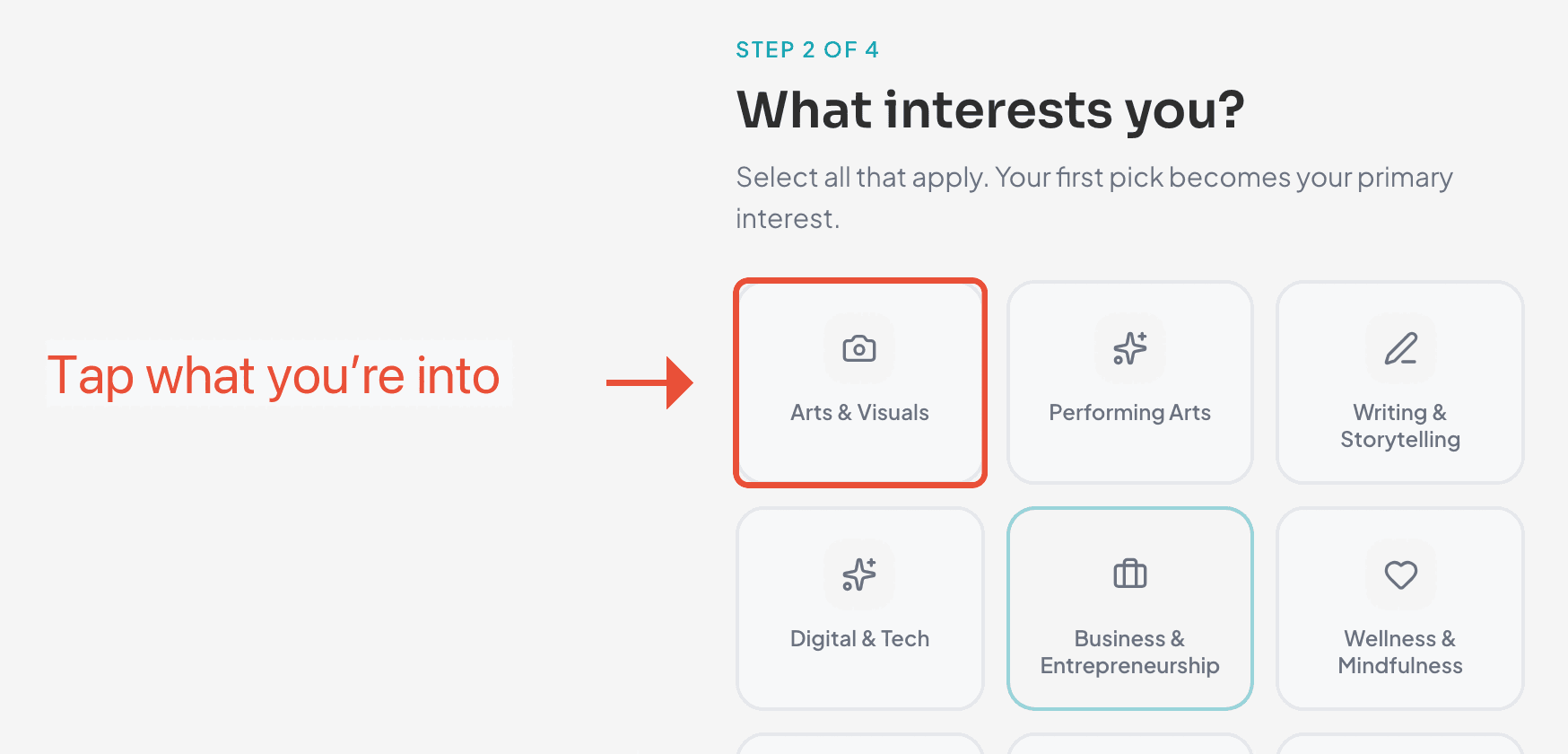
What changes once they’re set
- Explore puts your crafts first. Workshops that match your interests rise to the top, so the first thing you see is relevant — not just whatever’s newest.
- Your digest gets personal. The workshop digest email is built around the same interests, so it only surfaces things you’d plausibly attend. See the digest guide.
Changing them later
Your tastes shift — your interests should too. Open your profile and update the crafts you’ve selected whenever you like. Changes take effect the next time you browse or the next digest goes out.
Tips
- Be specific. “Film photography” tells Wayfield more than just “photography.”
- Pick a handful, not everything. A focused list makes Explore and your digest sharper; you can always browse outside your interests any time.
- Setting your location helps too — it’s how Wayfield knows which in-person workshops are actually near you.
Ready when you are
Find your next workshop
Browse hands-on workshops near you and reserve a spot in about a minute.