
Why it matters
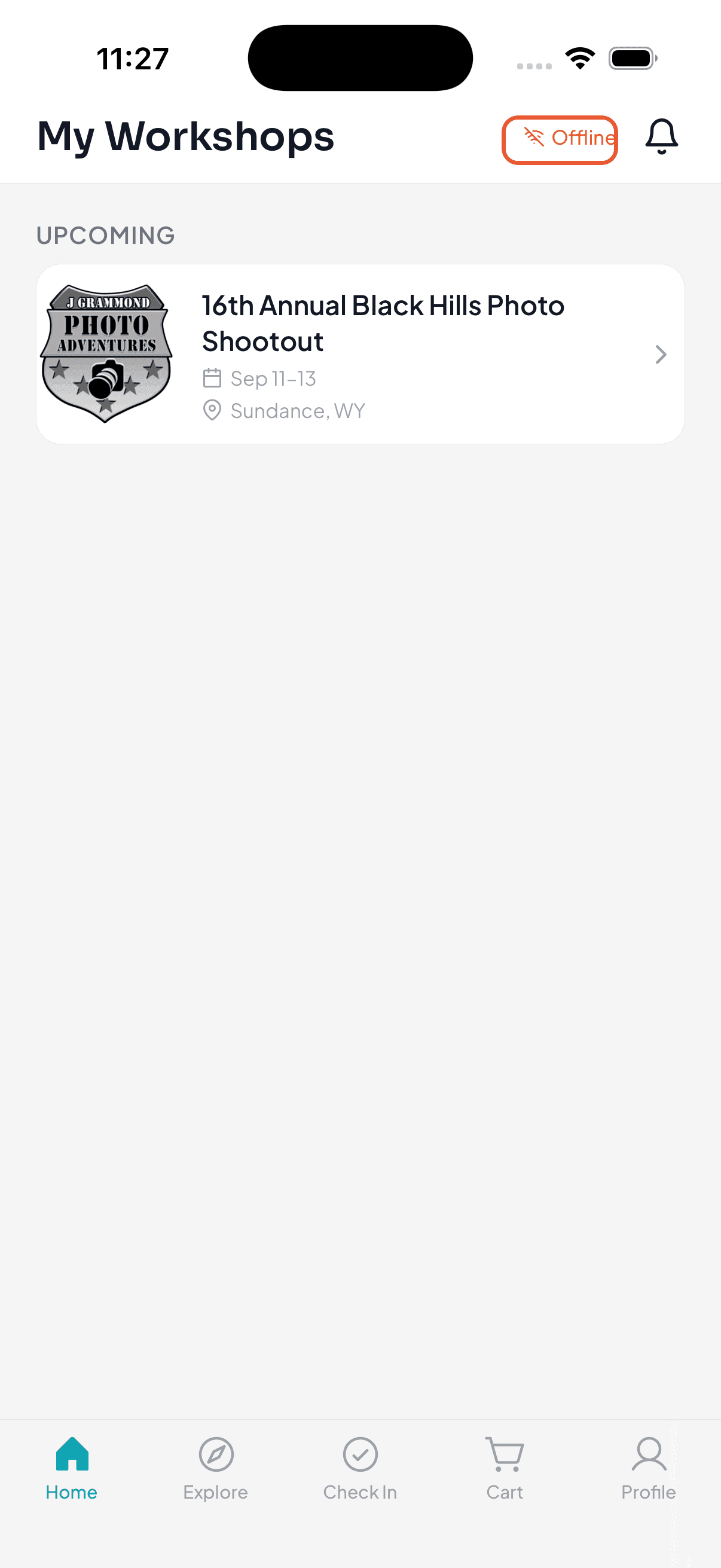
The moment you most need your roster or your check-in is often the moment the venue has no Wi-Fi and one bar of cell. Wayfield plans for that instead of leaving you stuck.
What works offline
- Viewing your workshops and session details you've already opened.
- For leaders: your session roster.
- Checking people in (leaders) or checking yourself in — even with no connection.
How syncing works
Actions you take offline are queued on your device and sync automatically the moment you're back online — nothing is lost, and you don't have to redo anything.
Tips
- Open the app once with signal before the session so your latest data is cached.
- If something looks out of date, it'll catch up as soon as you reconnect.
Ready when you are
Get the Wayfield app
Everything participants and leaders need, on iOS and Android.