
Find & open a workshop
Open the workshop from Explore, a category or location page, or a link someone shared. The workshop page shows the schedule, who’s leading it, the location, and the price before you commit to anything.
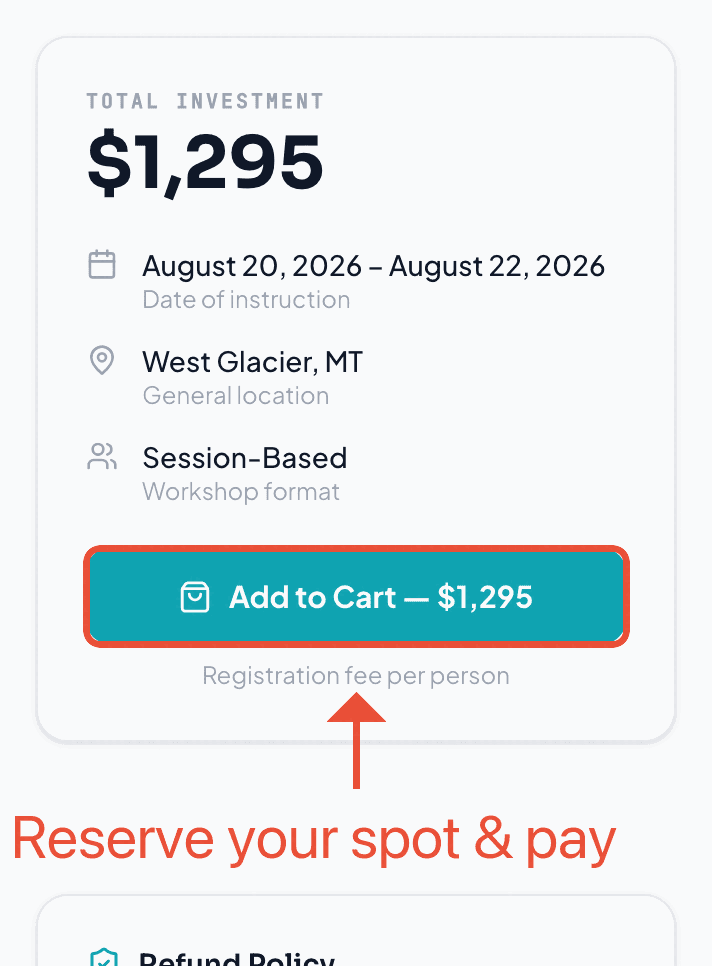
Pick sessions (if asked)
Some workshops are a single event — one sign-up covers the whole thing. Others are session-based, where you choose which sessions or tracks to attend. If you’re asked to choose, build the schedule that fits you; your selections carry through to checkout.
Checkout & payment
Checkout accepts:
- Apple Pay or Google Pay — one tap on mobile, no typing.
- Card — any major credit or debit card.
Your spot is confirmed instantly on success — there’s no waiting for an organizer to approve you or for a bank transfer to clear. Free workshops skip payment entirely and confirm right away.
Your confirmed spot
Once you’re in, the workshop shows up under My Workshops with the dates, location, and anything the organizer wants you to know before you arrive. That’s also where you’ll check in on the day — see the joining guide for in-the-room sign-ups.
Refunds
Each workshop sets its own refund policy, and it’s shown to you at checkout before you pay — so you always know the terms up front. If you need to cancel, the policy on that workshop is what applies.
Where your card details go
Ready when you are
Find your next workshop
Browse hands-on workshops near you and reserve a spot in about a minute.