
Who can leave a review
Reviews come from people who were actually there, so they stay honest and useful:
- You registered and checked in. Once you’ve attended, you can leave a review for that workshop.
- No-shows can’t review. If you were marked a no-show, the review option won’t appear — a review is for people who came.
- Never got checked in? If attendance wasn’t recorded for you, you can still leave a review starting 24 hours after the workshop ends.
- One review per workshop. You get a single review per workshop — pick the rating that sums up your experience.
Leaving your review
Open the workshop’s page — the same public page you registered from — and scroll to the reviews area. When you’re eligible, you’ll see a Leave a Review button.
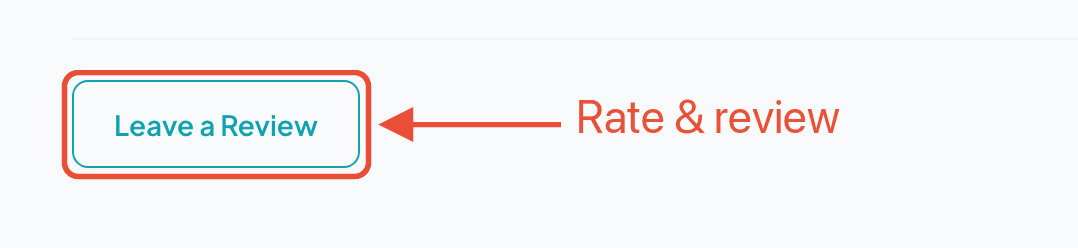
Tap it and a short form opens. There are only two things to do:
- Pick a star rating from 1 to 5. This is the only required field.
- Write a few words (optional). If you do, it needs to be at least 10 characters — enough to actually say something.
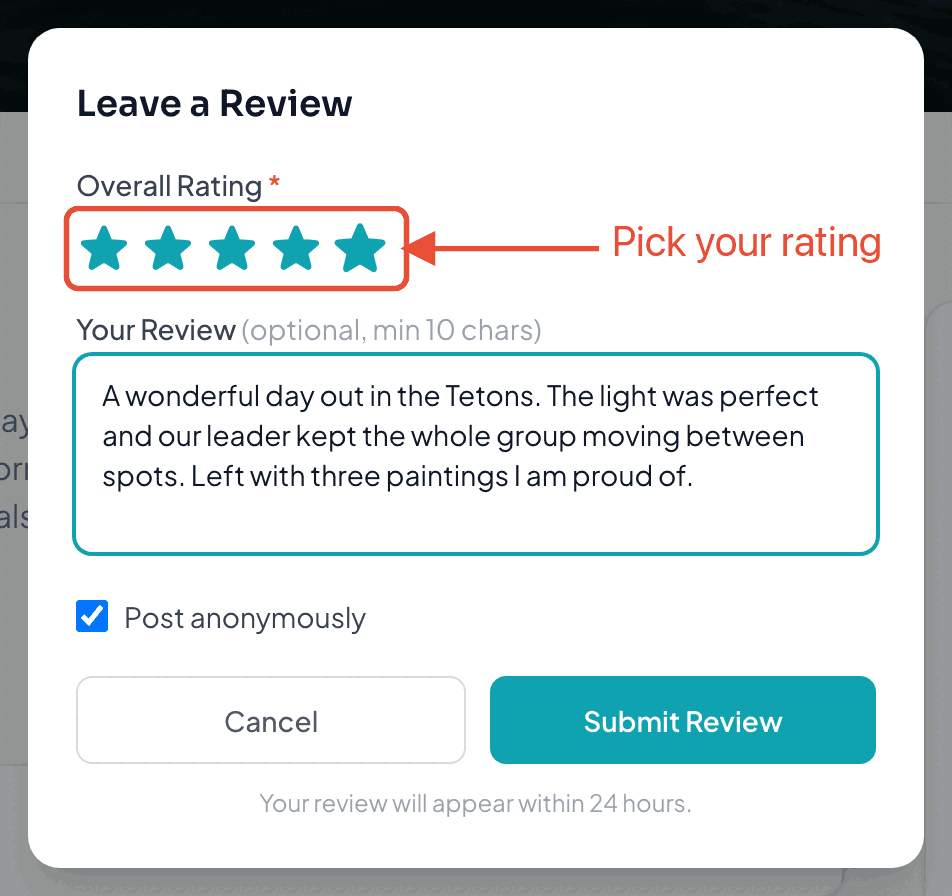
By default your review is posted anonymously. Prefer to put your name to it? Uncheck Post anonymously and add the display name you’d like shown. When you’re happy, hit Submit Review.
What happens next
Your review goes into a brief hold of about 24 hours, then publishes automatically. There’s no approval step — an organizer doesn’t get to vet your review before it goes live. When it publishes, we’ll email you to let you know it’s up.
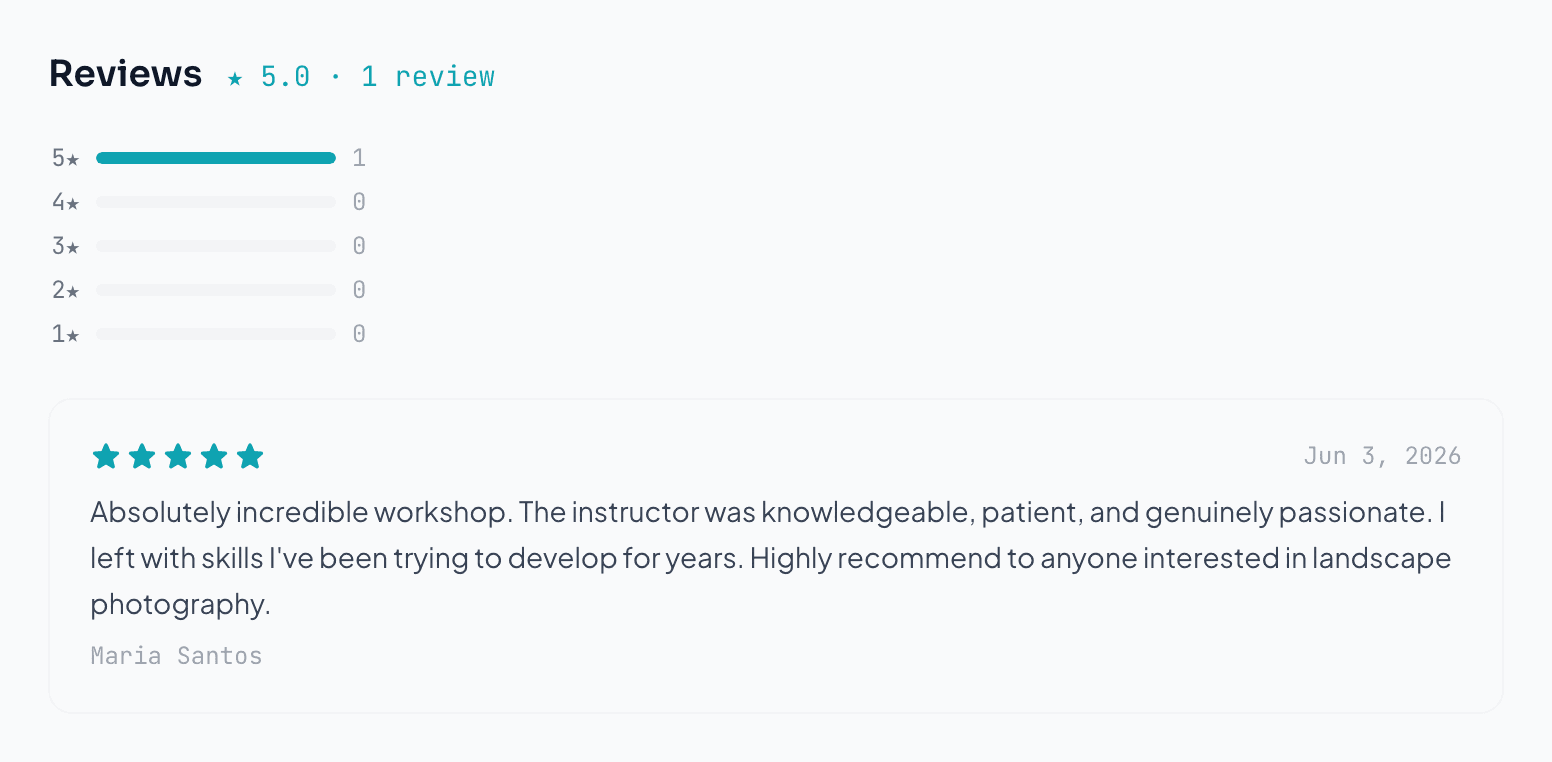
Published reviews appear right on the workshop’s page, together with the overall star rating and a breakdown of how everyone rated it.
What organizers can do
After your review is live, the organizer can:
- Respond to it — a short public reply that appears beneath your review.
- Feature it as a highlighted testimonial on the workshop.
- Flag it. An organizer can’t edit or quietly delete your review. If they believe it breaks the rules, they can flag it, which sends it to Wayfield’s Trust & Safety team to review — it’s our call, not theirs.
Common questions
Can I review a workshop I signed up for but skipped? Not if you were a no-show. If attendance simply wasn’t recorded, you can review 24 hours after it ends.
Will the organizer know it was me? If you post anonymously, your name isn’t shown publicly. Reviews are tied to a real registration behind the scenes to keep them genuine.
Can I change or delete my review later? You get one review per workshop, so take a moment before you submit. If something’s wrong, reach out to Wayfield support.
Why isn’t it showing up yet? New reviews sit for about 24 hours before they publish. If a review was flagged, it pauses while our Trust & Safety team takes a look.
Ready when you are
Find your next workshop
Browse hands-on workshops near you and reserve a spot in about a minute.