
The five tabs
Home · Discover · Check-In · Notifications · Profile. That's the whole map — no hidden menus to hunt through.
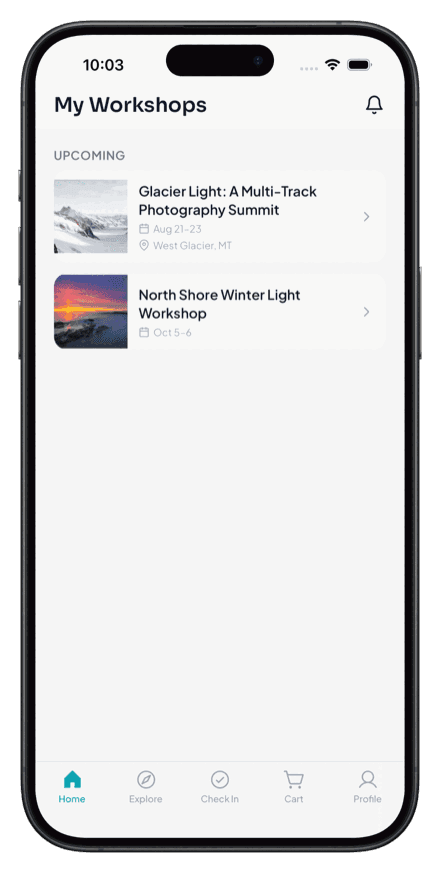
Home
Your workshops and what's coming up next — the first thing you see when you open the app.
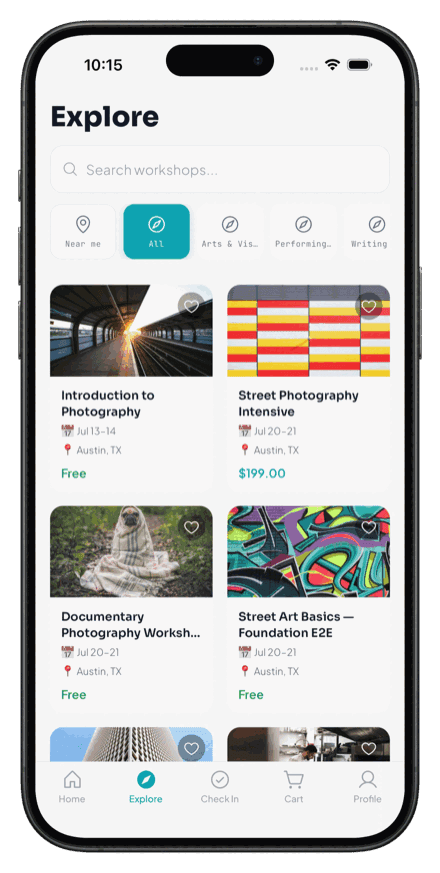
Discover
Browse and search for workshops by craft, location, and dates. If you've set your interests, this leads with what fits you — see Find workshops you'll want.
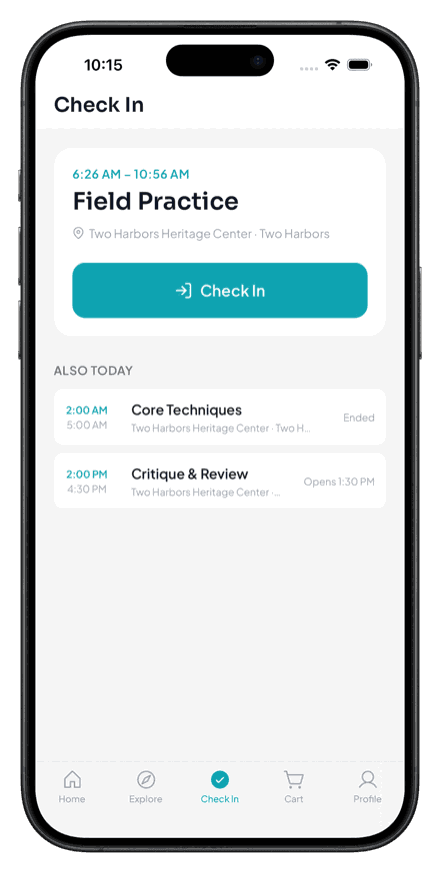
Check-In
Where you join a workshop in the field — scan a join code or QR — and check in to the sessions you're enrolled in on the day.
Notifications
Reminders and updates about your workshops. Turn on push so these reach you on time — see Turn on push notifications.
Profile
Your account, interests, saved workshops, and the record of everything you've attended. If you also lead sessions, your leader tools live here too.
Ready when you are
Get the Wayfield app
Everything participants and leaders need, on iOS and Android.