
Start here
Five steps to your first workshop
This is the short version. The first three fit in one sitting. If anything is unclear, reply to the email that brought you here and I will help.
Step 1
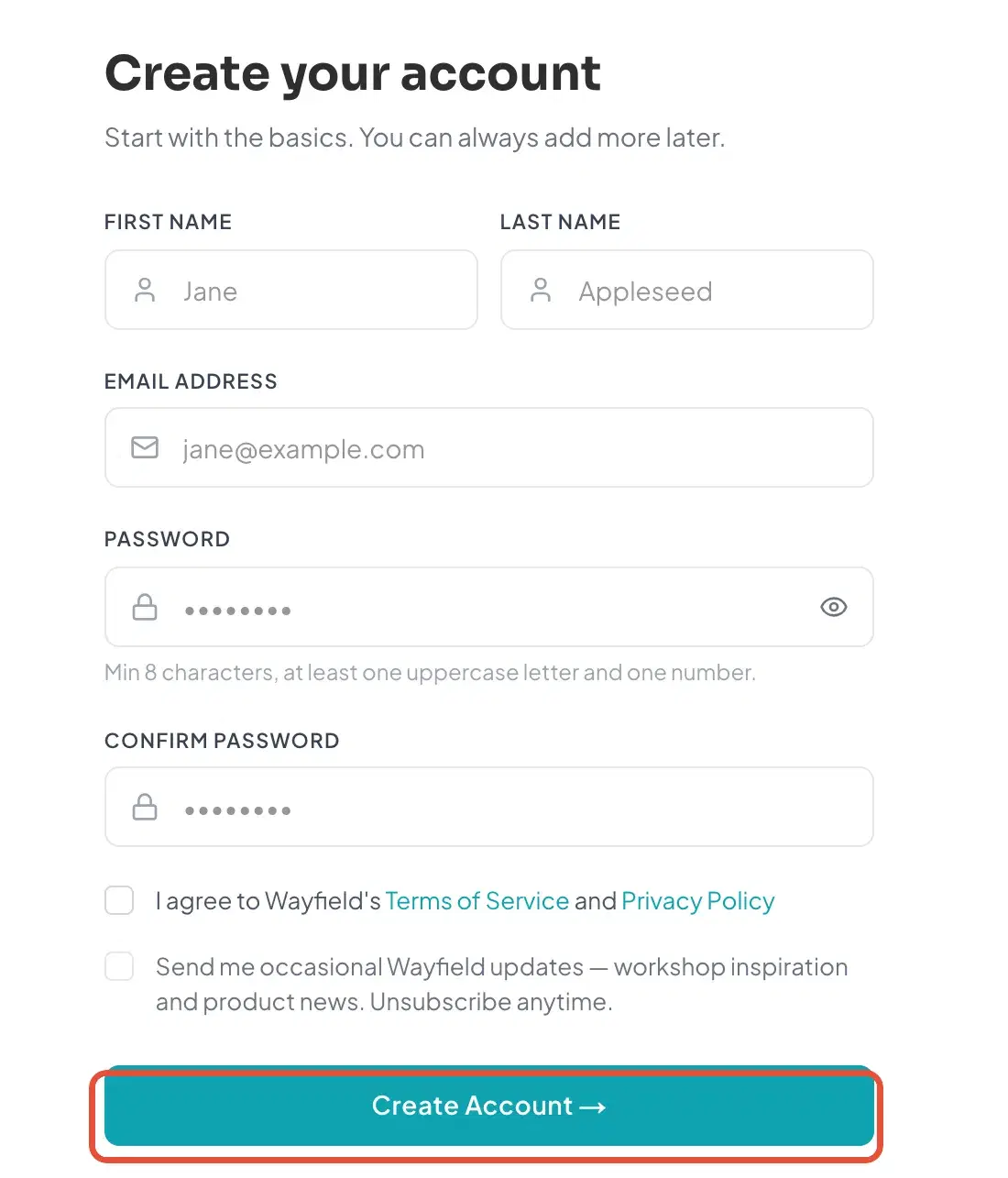
Create your account
Sign up with the email address I wrote to, and confirm it from the message we send you.
Step 2
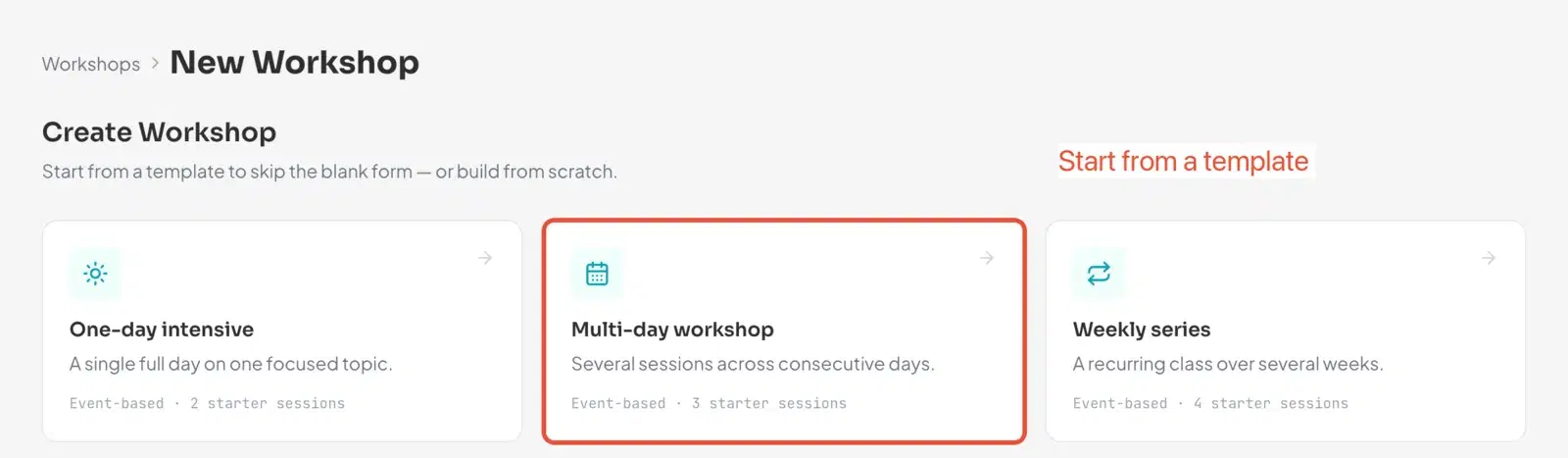
Draft one workshop
Pick a template or start from scratch. Give it a title, dates and a place. A draft is private until you publish it.
Step 3
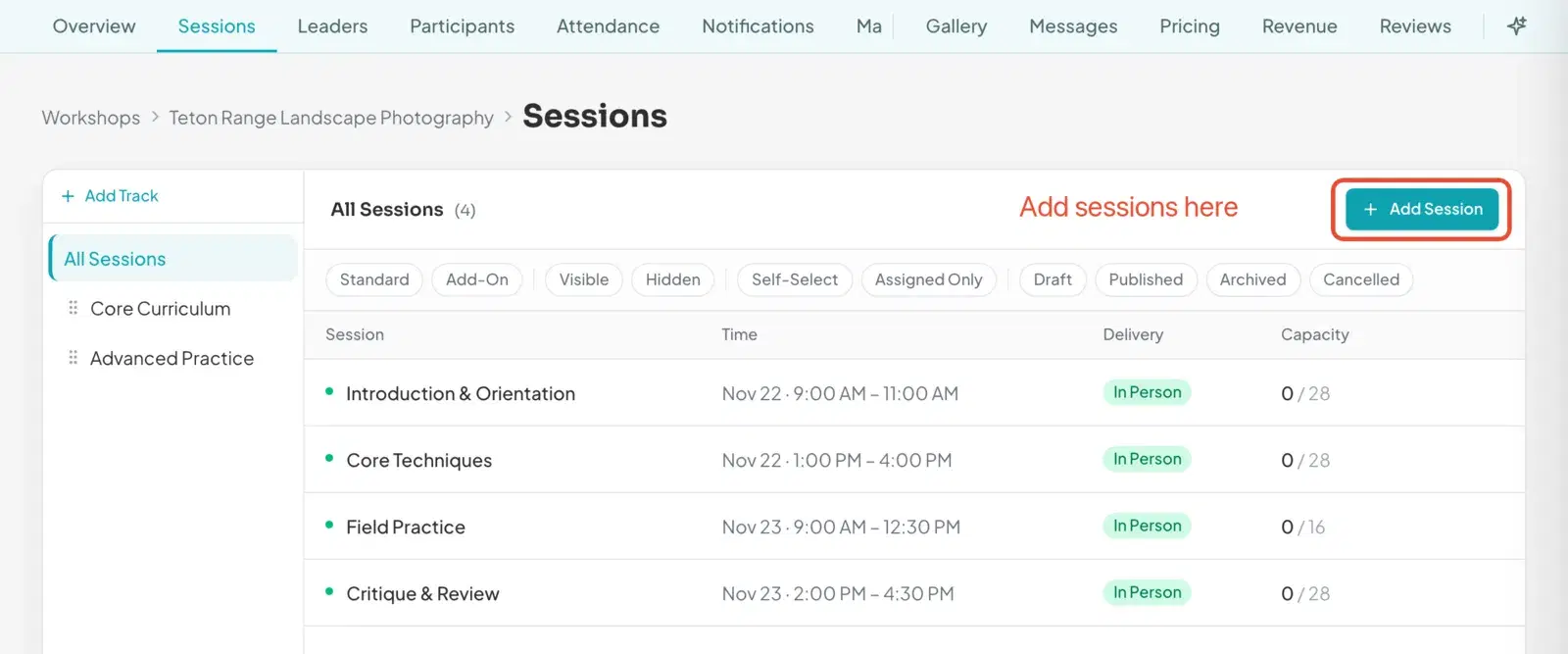
Add your sessions
Add the sessions with times and capacity, and bring in the people who lead them.
Step 4
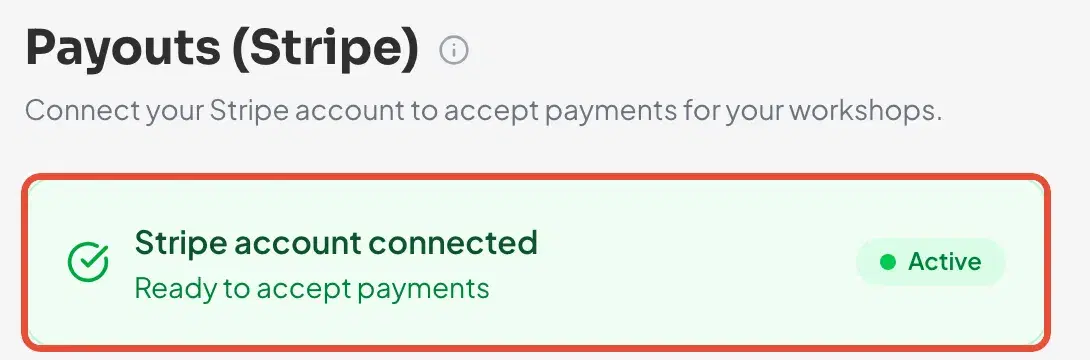
Connect payments
Link a Stripe account so registrations can be paid for. Free workshops do not need this step.
Step 5
Publish and share
Publish when you are ready, then share the workshop link or the join code with the people you already teach.

Want the bigger picture first? Read Welcome to Wayfield.