
For Organizers
Welcome to Wayfield
One place to publish a workshop, take registrations and payments, look after your leaders and run the day. This is a short, visual tour of what it does and what it gives back.
It is for anyone who gathers people in a room to teach them something: a printmaking retreat, a leadership offsite, a coaching cohort, a sales training day, a recurring class.
Build a workshop
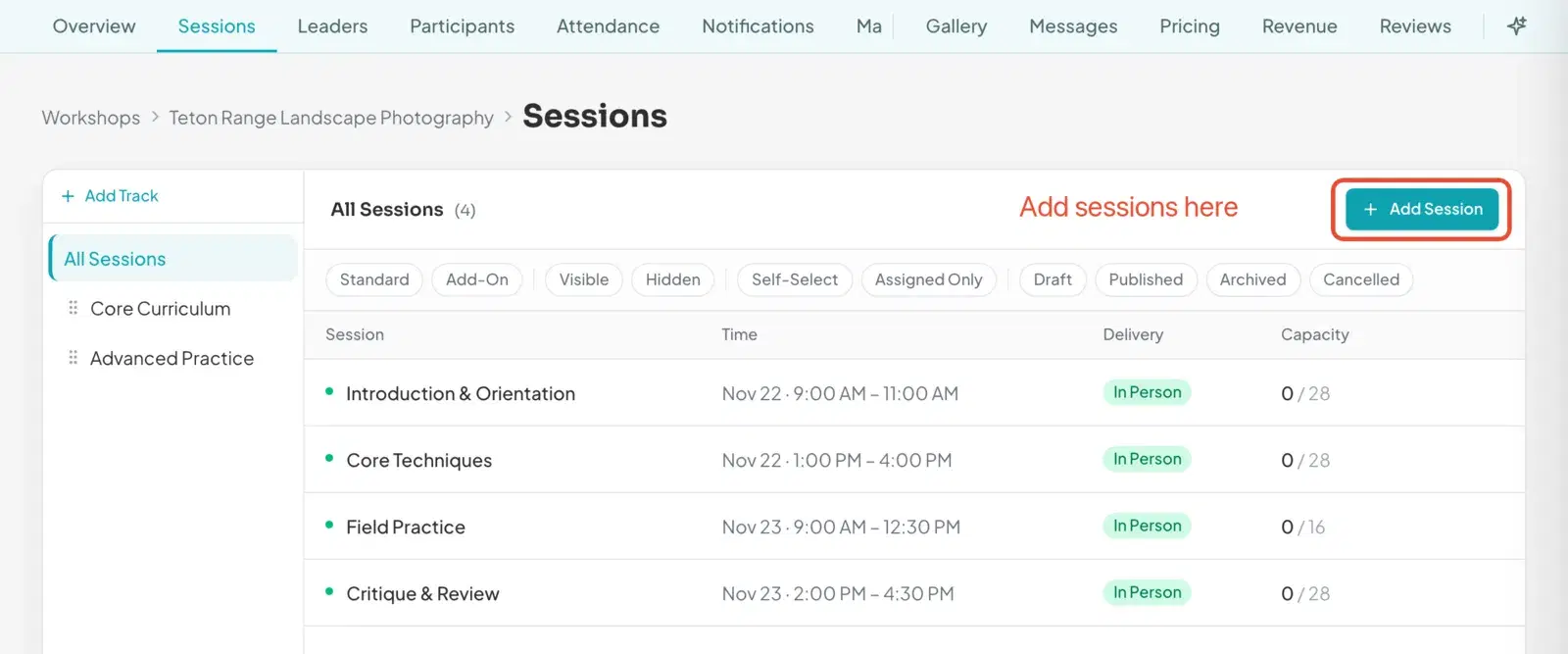
Start from a template, or from nothing
Pick the shape that is closest to what you run: a one-day intensive, a weekend retreat, a weekly series, a masterclass. Wayfield sets up starter sessions you can change, and your workshop stays private until you publish it.
A coaching cohort, a pottery weekend and a sales training day all start the same way.
Schedule and sessions
A schedule people can actually follow
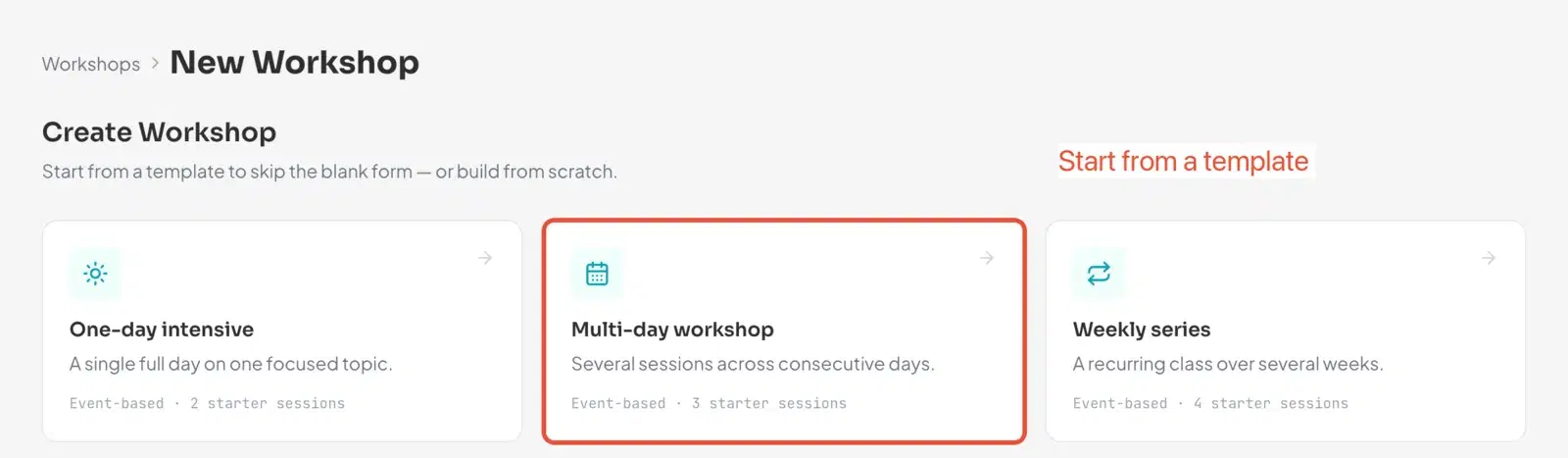
Add sessions with times, places and capacity, group them into tracks, and bring in leaders to teach them. Leaders can write up their own session details and send them to you for approval.
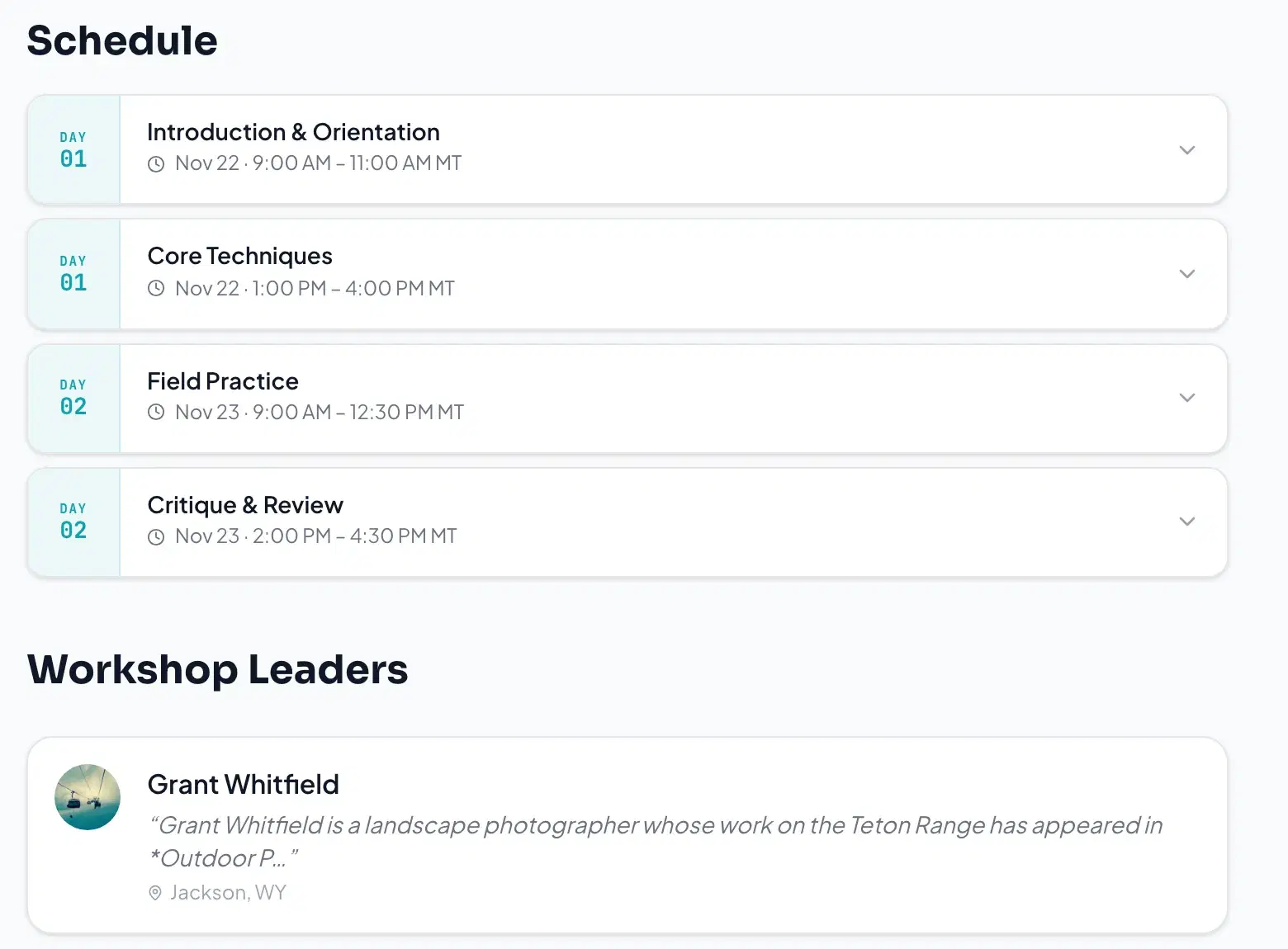
What you build here is what participants see on the public workshop page and in the app.
Registrations and payments
Who is coming, and who has paid
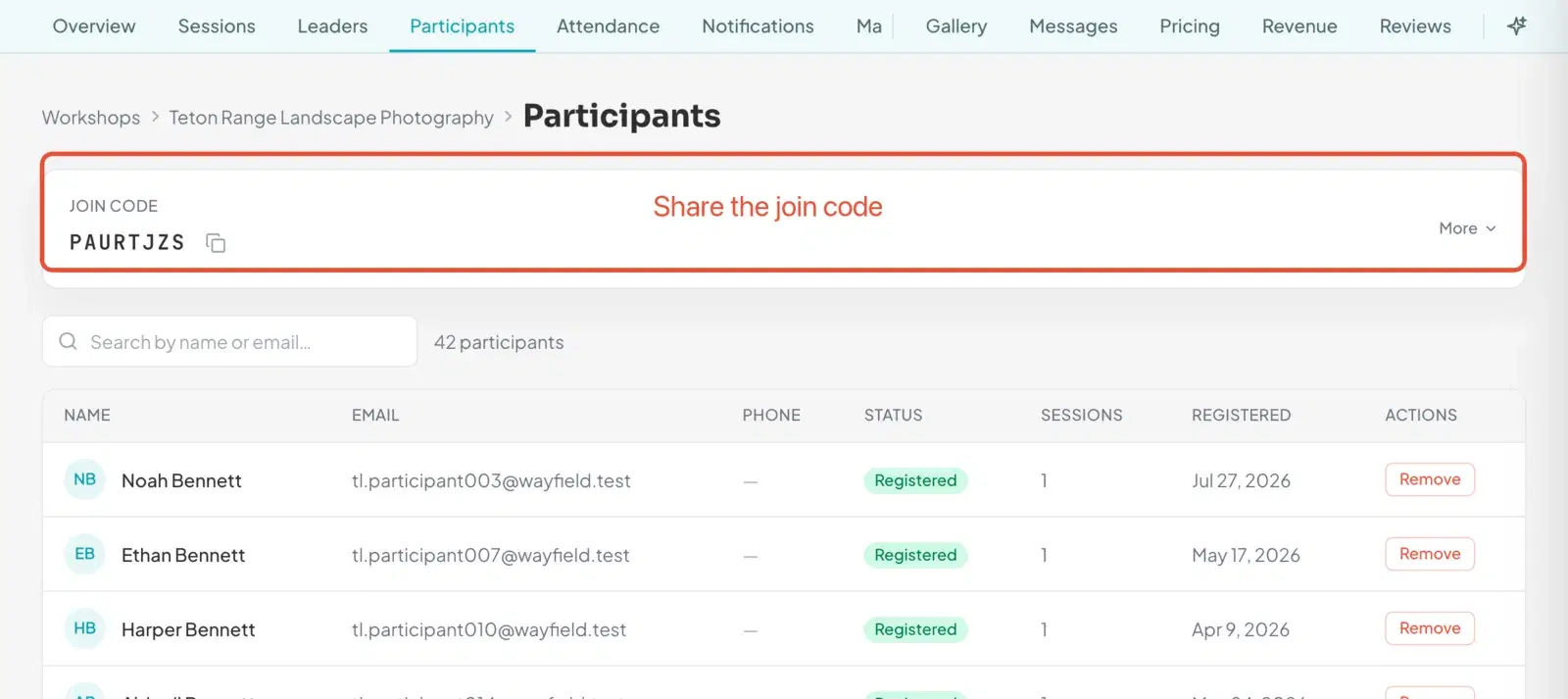
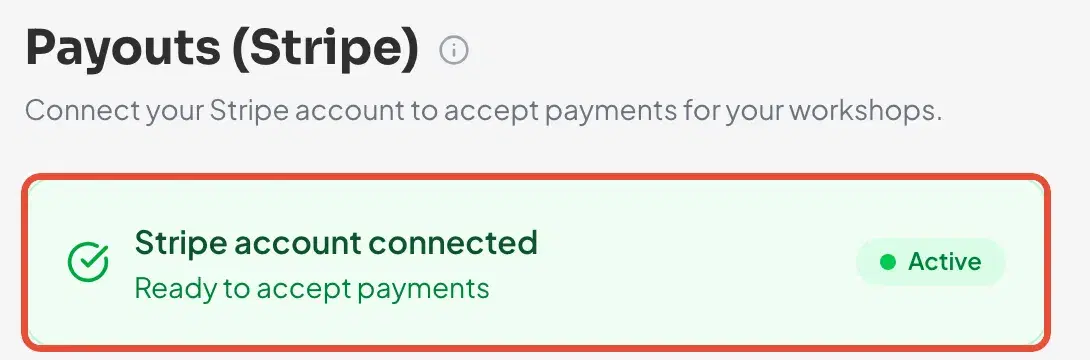
People register and pay in one flow, and the money goes to your own connected Stripe account. Registrations land in a single list you can search, so the spreadsheet can retire.
When a workshop fills, a waitlist offers the next person the seat for you, and waivers are collected before the day instead of at the door.
Check-in
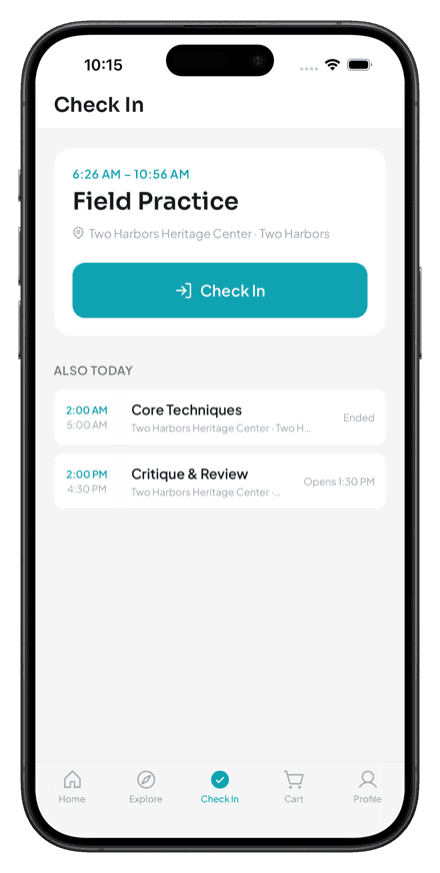
Check people in from a phone
On the day, a participant taps Check In when they arrive, or a leader marks people present from the roster. You see the count move on your dashboard as the room fills.
Venues rarely have great signal, so it keeps working when the connection is patchy.

The mobile app
The schedule in everyone’s pocket
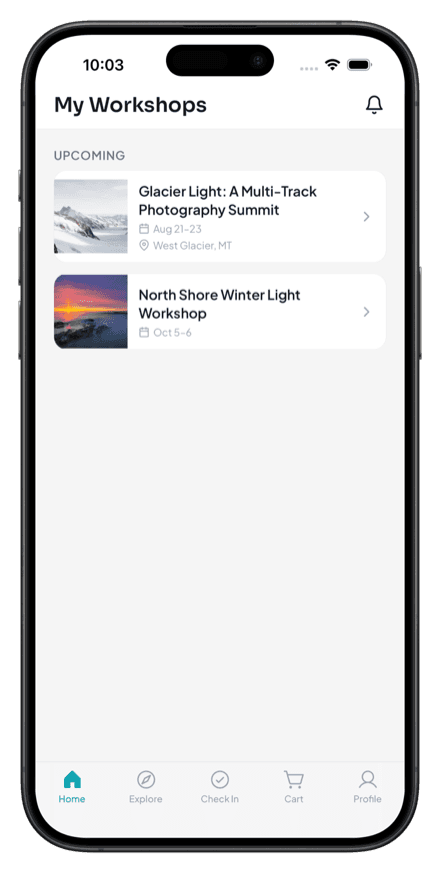
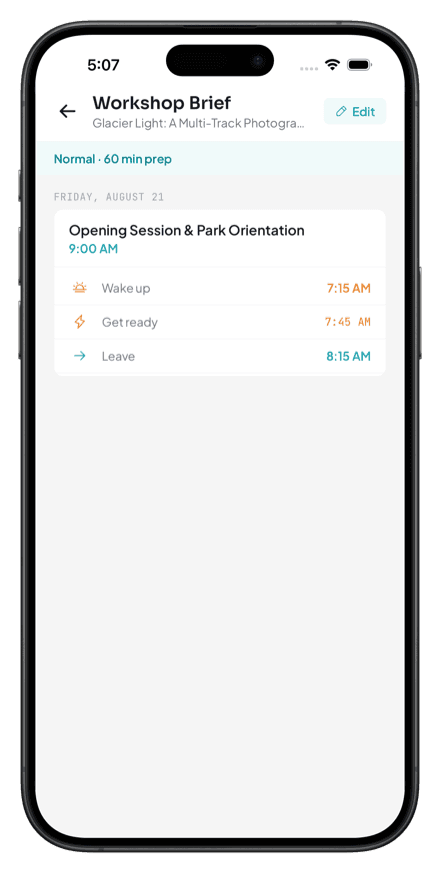
Participants and leaders get the schedule, the location and every change you make. The Android app is available now, and the iPhone app is coming.
Until then, everything above works in the browser on any phone.
Reaching participants
Tell everyone at once, and be easy to find
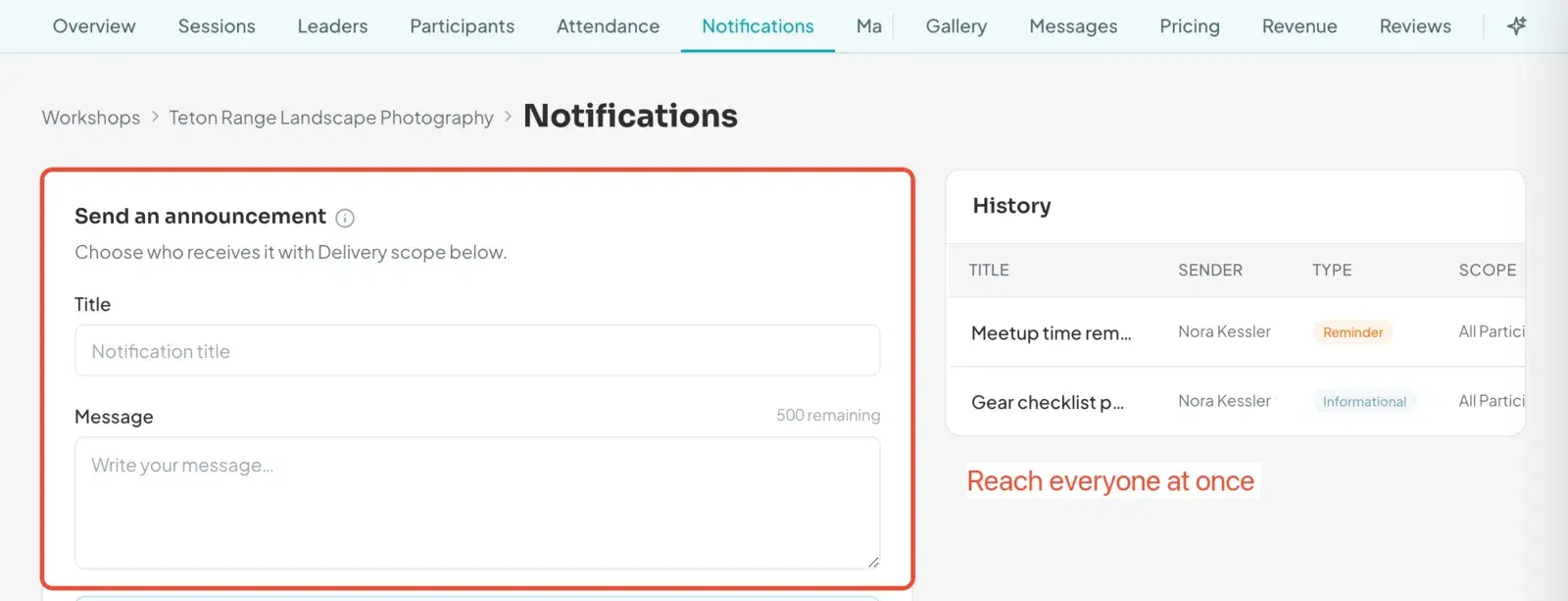
Send an announcement to everyone, or only to one session, and it reaches people in the app and by email. A schedule change stops being a round of messages.
Your public workshop page can be shared anywhere, and listed workshops appear when people browse Wayfield. Featured placement can put a workshop in front of more of them.

Time and money
What it gives back
Most organizers I talk to lose hours to the same small jobs: a spreadsheet of who has paid, reminder emails, waiver chasing, a waitlist kept in someone’s head. Wayfield does those jobs where you can see them. The hours you get back depend on how you run things today, so try it on one workshop and judge for yourself.
Fewer tools
Booking, payments, waivers, waitlists and reminders live in one place instead of five.
Fewer chasing jobs
Reminders go out by themselves, and waivers arrive before the day.
Fewer empty seats
A waitlist fills a cancellation without you lifting a finger.
There is a free plan to begin with, and paid plans when you want more. Current plans are on the pricing page. Payments go to your own Stripe account. Any platform fee depends on your plan and is shown before you commit.
Start with one workshop
Create an account, draft a workshop and publish it when you are ready. Questions are always welcome at contact.
Prefer a checklist? See the getting started page, or read how to create an account and how join codes work.